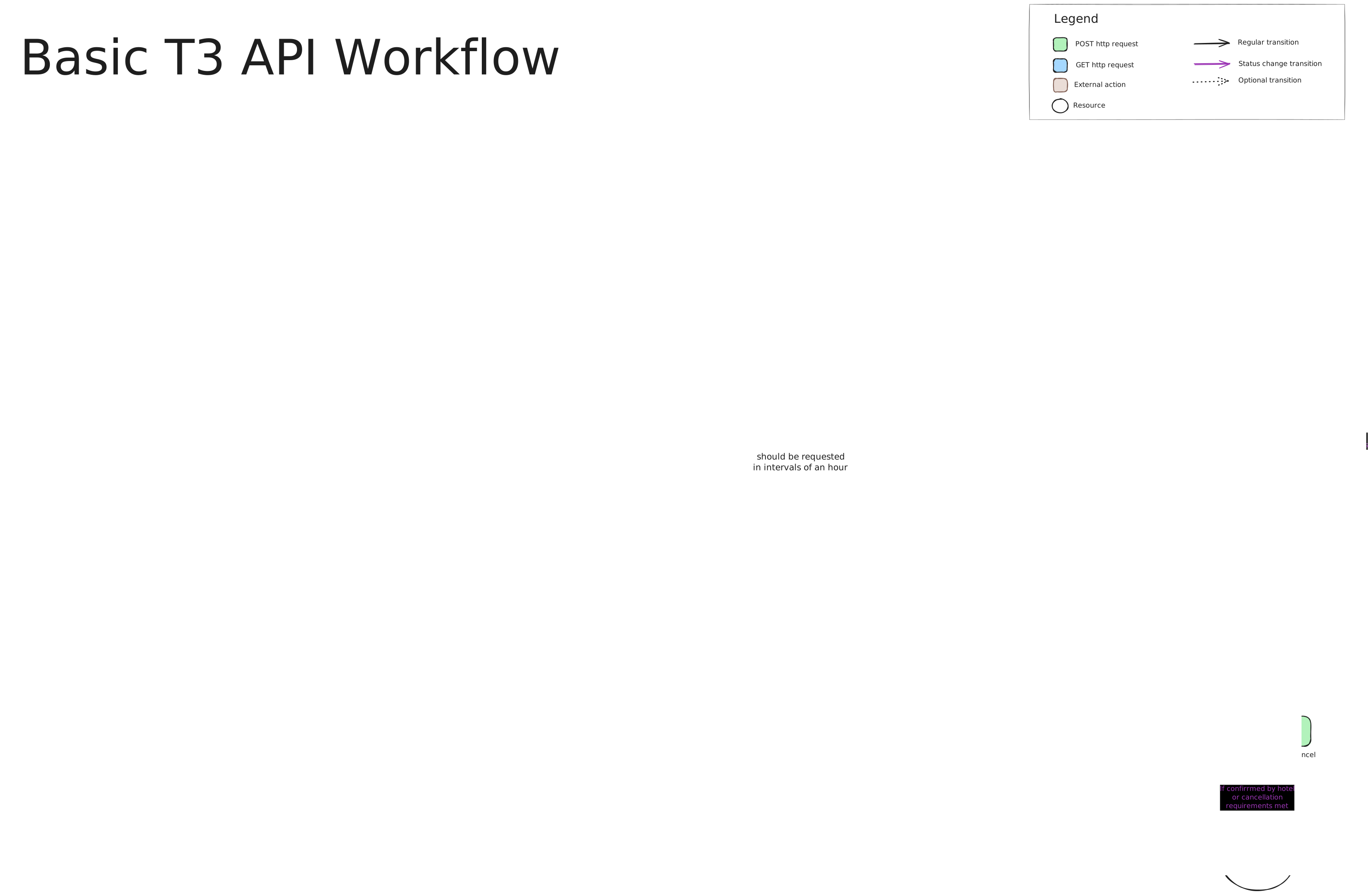
Each endpoint typically requires you to be authenticated via a bearer token.
Welcome to the T3 External API. This guide explains how to use the API, outlines the overall workflow, and details the roles of its main sections. Whether you’re retrieving catalog data, managing clients, or handling bookings and payments, this guide provides the essential information to get started.
The T3 External API is organized into several key sections:
Each endpoint typically requires you to be authenticated via a bearer token.
Most endpoints are secured and require an API token. Include your token in the HTTP header for every request:
Authorization: Bearer <your_token>
Make sure to replace <your_token> with your actual API token.
Below is the typical flow when using the API.
Before initiating any complex operations, confirm that the API is running correctly by using the health check endpoint.
GET /ext/healthcheck
GET /ext/healthcheck HTTP/1.1
Host: api.example.com
Authorization: Bearer <your_token>{
"status": "ok"
}
If the response returns "ok", you can safely proceed with further API calls.
The catalog endpoints provide the necessary reference data for your application. This includes data on countries, locations, hotels, and various selectable choices used in bookings.
GET /ext/catalog/countries
search, ordering, limit, and offset.
GET /ext/catalog/locations
GET /ext/catalog/hotels
Several endpoints under Catalog > Choices provide enumerated options (e.g., booking statuses, meal plans, ratings) that you can use to populate dropdowns or filter bookings in your application.
If your application manages clients (for example, travel agencies or end users), use the Inventory endpoints to create and maintain client records.
GET /ext/inventory/clients
POST /ext/inventory/clients
{
  "your_id": "CL-001",
  "name": "Acme Travel",
  "client_type": "b2b",
  "phone": "+123456789",
  "address": "123 Main Street",
  "zipcode": "10001",
  "country_id": "US",
  "location_id": 10
}GET /ext/inventory/clients/{client_id}
PUT /ext/inventory/clients/{client_id}
DELETE /ext/inventory/clients/{client_id}
These endpoints help you manage client records throughout their lifecycle.
Bookings are at the heart of the API. The booking process may include several steps:
GET /ext/bookings
GET /ext/bookings/{booking_id}
There are two main types of booking requests:
POST /ext/bookings/estimated
GET /ext/bookings/estimated/{booking_id}
POST /ext/bookings/deferred
GET /ext/bookings/deferred/{booking_id}
POST /ext/bookings/{booking_id}/cancel
POST /ext/bookings/{booking_id}/quotes/{quote_id}/accept
GET /ext/bookings/{booking_id}/payments/pending
GET /ext/bookings/{booking_id}/payments/completed
Here’s an example of how you might use the API in a typical booking scenario:
/ext/catalog/hotels) along with the associated countries and locations. This data is used to populate search filters and booking options.
POST /ext/inventory/clients.
GET /ext/inventory/clients/{client_id}.
POST /ext/bookings/estimated to get an initial quote based on the desired check-in/check-out dates, hotel rating, and meal plan.
POST /ext/bookings/{booking_id}/quotes/{quote_id}/accept.
GET /ext/bookings/{booking_id}/payments/pending.
GET /ext/bookings/{booking_id}/payments/completed.
POST /ext/bookings/{booking_id}/cancel along with a cancellation reason.
The API uses standard HTTP status codes and returns error details in JSON format. Some common responses include:
Example Error Response:
{
  "code": "invalid_request",
  "reason": "The 'name' field is required."
}
The following error codes are returned by the API to indicate specific errors. If an error code is not explicitly mapped to an HTTP status code, the default is 400.
| Error Code | Description | HTTP Code |
|---|---|---|
| E0000 | unknown error | 400 |
| E0001 | field '%s' cannot have more than %d characters | 400 |
| E0002 | field '%s' email address '%s' is invalid | 400 |
| Error Code | Description | HTTP Code |
|---|---|---|
| E1000 | unknown country error | 400 |
| E1001 | specified country '%s' does not exist | 404 |
| E1002 | no town found near to latitude '%.6f' and longitude '%.6f' | 400 |
| Error Code | Description | HTTP Code |
|---|---|---|
| E2000 | unknown location error | 400 |
| E2001 | specified location '%s' does not exist | 404 |
| E2002 | country_id '%s' for this location_id '%s' is invalid | 400 |
| E2003 | location_id or latitude and longitude is required | 400 |
| E2004 | latitude must be between -90 and 90 | 400 |
| E2005 | longitude must be between -180 and 180 | 400 |
| E2006 | radius must be between 0 and 50 | 400 |
| Error Code | Description | HTTP Code |
|---|---|---|
| E3000 | unknown client error | 400 |
| E3001 | name is required | 400 |
| E3002 | there is already a client with this name | 400 |
| E3003 | your_id is required | 400 |
| E3004 | there is already a client with this your_id | 400 |
| E3005 | there is already a client with this fiscal_name | 400 |
| E3006 | there is already a client with this fiscal_number | 400 |
| E3007 | client '%s' does not exist | 404 |
| E3008 | client '%s' cannot be deleted due associated requests | 409 |
| Error Code | Description | HTTP Code |
|---|---|---|
| E4000 | unknown hotel error | 400 |
| E4001 | specified hotel '%s' does not exist | 404 |
| Error Code | Description | HTTP Code |
|---|---|---|
| EB000 | unknown booking error - %s | 400 |
| EB001 | rooms counts must be greater than 0 | 400 |
| EB002 | rooms types must be different in the same request | 400 |
| EB003 | estimation unavailable for this request - %s | 400 |
| EB004 | no location info specified | 400 |
| EB005 | booking '%s' not found error | 404 |
| EB006 | estimation '%s' does not exists | 400 |
| EB007 | quote '%d' for booking '%s' does not exists | 404 |
| EB008 | quote '%d' is not available for booking '%s' | 400 |
| EB009 | quote '%d' is not available anymore for booking '%s' | 400 |
| EB010 | quote '%d' for booking '%s' cannot be accepted because is auctioning | 409 |
| EB011 | quote '%d' for booking '%s' cannot be accepted due booking is cancelled | 409 |
| EB012 | quote '%d' for booking '%s' is already accepted | 409 |
| EB013 | quote '%d' for booking '%s' cannot be accepted due another quote was accepted before | 409 |
| EB014 | booking '%s' already cancelled | 400 |
| EB015 | booking '%s' already closed | 400 |
| EB016 | booking '%s' cancellation already requested | 400 |
The T3 External API is a comprehensive tool designed to manage the full lifecycle of travel bookings—from retrieving catalog data and managing clients to initiating and processing bookings and payments. By following the flow outlined in this guide, developers can integrate the API into their systems, ensuring a smooth and consistent user experience.
For detailed information on each endpoint, parameters, and schema definitions, please refer to the full API documentation.
Happy integrating!